
58
0
0
PyTorch-Tutorial 学习记录——Tensors

文章摘要
|
PyTorch Tutorial 01 - Tensors
本文是根据pytorch官方tutorial学习的记录,这是第一篇tensors
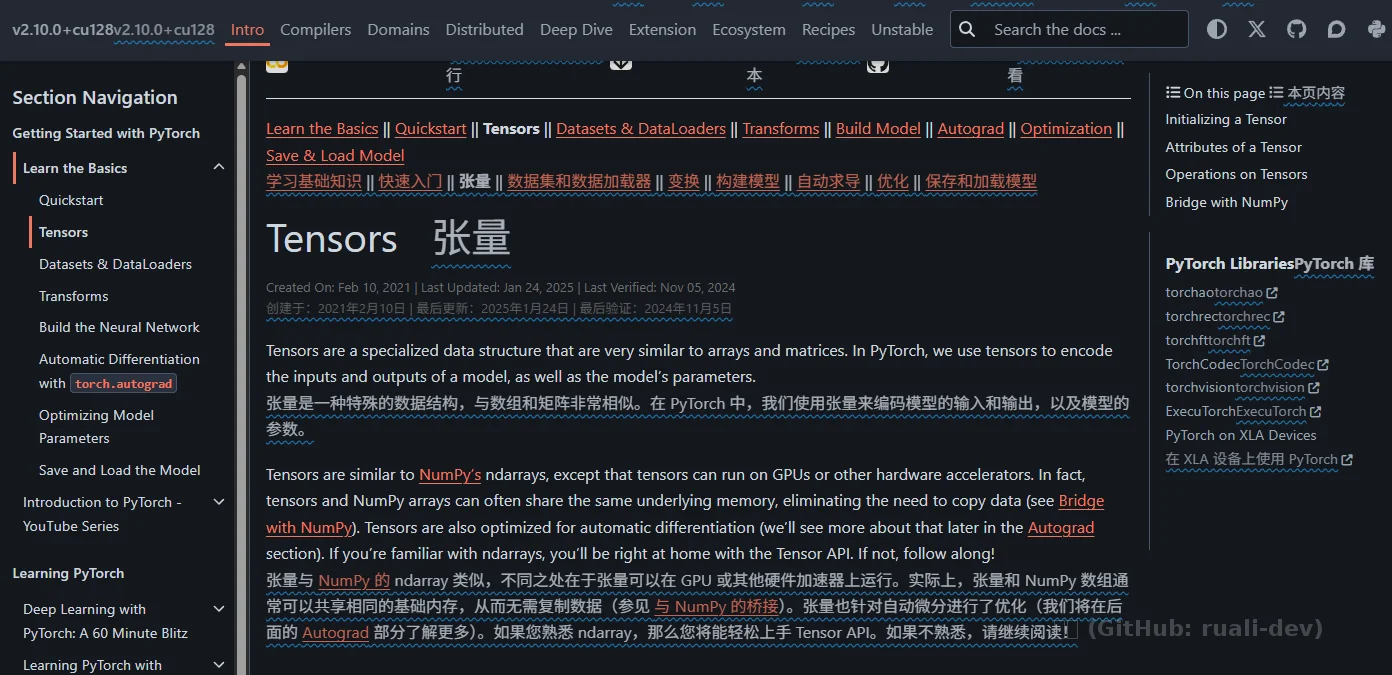
- 官方:Tensors(Learn the Basics)
1. 本节一句话
Tensor 是 PyTorch 的核心数据结构,像 NumPy ndarray,但能放到 GPU 并支持 autograd;
2. 创建 Tensor
2.1 从 Python 数据创建
 data = [[1, 2], [3, 4]]
 x_data = torch.tensor(data)  # dtype 自动推断
注意(训练常见坑):训练/反传通常需要浮点;权重、激活、绝大多数算子默认走 float(常用 float32)。
2.2 从 NumPy 创建
 import numpy as np
 np_array = np.array(data)
 x_np = torch.from_numpy(np_array)
2.3 从另一个 Tensor 创建:*_like
 x_ones = torch.ones_like(x_data)                     # shape/dtype/device 跟随 x_data
 x_rand = torch.rand_like(x_data, dtype=torch.float)  # 显式覆盖 dtype
为什么要用 *_like:
- 少写 shape/device/dtype
- 更不容易在 CPU/GPU 混用时踩坑
2.4 用 shape 创建:rand/ones/zeros
 shape = (2, 3)          # tuple,尾逗号可写可不写:(2,3,) == (2,3)
 rand_tensor  = torch.rand(shape)
 ones_tensor  = torch.ones(shape)
 zeros_tensor = torch.zeros(shape)
Python 语法提示:
- (2) 是 int,不是 tuple
- (2,) 才是单元素 tuple
3. Tensor 的属性
 tensor = torch.rand((5, 6))
 print(tensor.shape)
 print(tensor.dtype)
 print(tensor.device)
- shape:维度元组
- dtype:数据类型(训练常用 float32)
- device:CPU / CUDA
4. device 与搬运(CPU/GPU 对齐)
4.1 现实里为什么“必须 .to()”
- DataLoader 默认从 CPU 内存把 batch 读出来 → batch 是 CPU tensor
- 模型和数据必须在同一 device,否则直接报错
- 张量很多时候不是你创建的(第三方库/上游模块),只能 .to() 对齐
4.2 建议写法
 device = 'cuda' if torch.cuda.is_available() else 'cpu'
 model = model.to(device)

 for X, y in loader:
     X = X.to(device)
     y = y.to(device)
备注:跨设备拷贝会花时间,尽量避免“来回搬”。
5. 索引、切片、赋值(NumPy-like)
 tensor = torch.ones(4, 4)
 print('row0:', tensor[0])
 print('col0:', tensor[:, 0])
 print('last col:', tensor[..., -1])

 tensor[:, 1] = 0   # 原地改第二列
 print(tensor)
速记:
- : 该维全要
- -1 最后一个
- ... 中间维度全要(高维时很有用,如 NCHW)
6. 拼接 vs 堆叠:cat / stack
6.1 torch.cat(不新增维度,只在某个维度“接长”)
 t = torch.ones(4, 4)
 # 横向拼接:列方向 dim=1
 c = torch.cat([t, t, t], dim=1)  # (4, 12)
 # 纵向拼接:行方向 dim=0
 r = torch.cat([t, t, t], dim=0)  # (12, 4)
6.2 torch.stack(新增维度,把多个 tensor 叠成一摞)
t = torch.ones(4, 4)
s = torch.stack([t, t, t], dim=0)  # (3, 4, 4)
直觉:
- cat:把“同维块”拼成更长的张量
- stack:多一层维度(像把多张图叠成 batch)
7. 运算:矩阵乘(@/matmul) vs 元素乘(*/mul)
7.1 矩阵乘(深度学习发动机)
t = torch.ones(4, 4)
y1 = t @ t.T

y2 = t.matmul(t.T)

y3 = torch.empty_like(y1)
torch.matmul(t, t.T, out=y3)  # out= 复用 buffer
- @ 是语法糖
- matmul 会智能适配维度(1D/2D/高维 batch matmul)
7.2 元素乘(逐元素)
z1 = t * t
z2 = t.mul(t)

z3 = torch.empty_like(t)
torch.mul(t, t, out=z3)
8. .item():标量 tensor → Python 数字
agg = t.sum()        # tensor(...) 标量张量,shape=()
agg_item = agg.item()  # Python number
注意:如果在 GPU 上 .item() 会触发同步与拷贝;训练循环里别滥用。
9. 原地操作 _ 与 out=
9.1 原地操作(改自己)
t = torch.ones(4, 4)
t.add_(5)
- _ 后缀通常表示 in-place
- 对 requires_grad=True 的张量,in-place 很容易影响 autograd(后面再深入)
9.2 out=(结果写入指定 buffer)
out = torch.empty_like(t)
torch.mul(t, t, out=out)
建议:新手阶段尽量不用 _ / out=,先跑通流程。
10. PyTorch ↔ NumPy
10.1 共享内存示例(CPU)
import numpy as np
import torch

t = torch.ones(5)
n = t.numpy()  # 共享内存(CPU)

t.add_(1)
print(t)
print(n)

np.add(n, 1, out=n)
print(t)
print(n)
要点:
- from_numpy / .numpy() 在 CPU 上通常是 view(共享内存,零拷贝)
- 如果你想“真复制”,显式 .copy() 或用 torch.tensor(np_array)
10.2 一旦 .to('cuda'):CPU/GPU 数据分家
- CPU RAM 和 GPU VRAM 是不同内存
- .to('cuda') 本质是拷贝过去,之后互不影响
PyTorch-Tutorial 学习记录——Tensors
/archives/pytorch-tutorial-tensors